Overview

IDEAL360 Dashboard
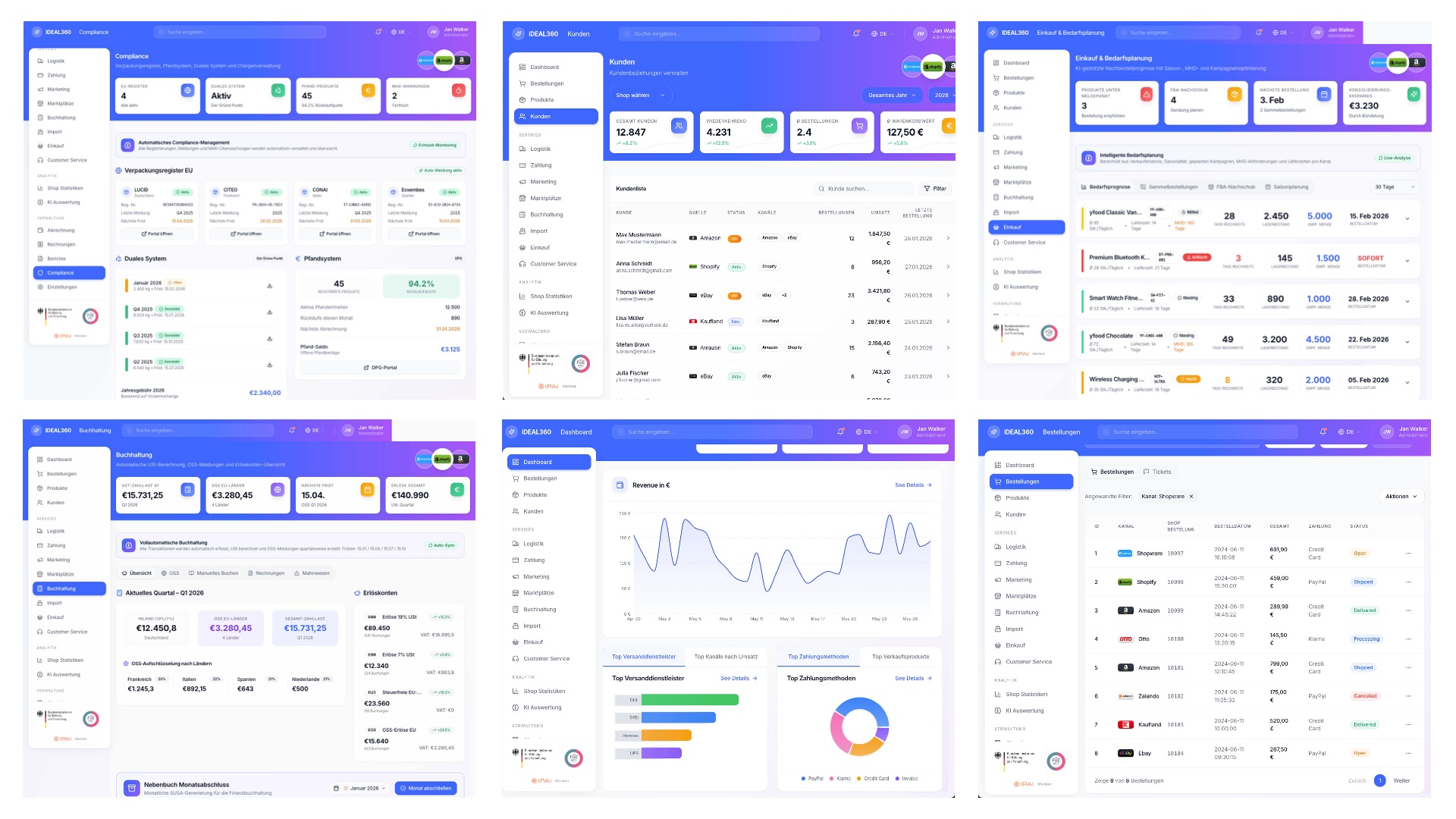
Collage of six IDEAL360 views including compliance, customers, purchasing, accounting, dashboard and orders.

One dashboard for the entire omnichannel business

IDEAL360 is the dashboard of our commerce subsidiary IDEAL ALPHA. It brings together what usually sits in separate systems: orders, product data, customers, logistics, payments, marketplaces and accounting.

Every ALPHA POOL commerce client works with it. It is not standard software bought in and badged with our logo.

What is inside

  • Orders and products. One inventory, one product data base, synchronised across every channel.
  • Customers. Cases across channels in one place instead of five portals.
  • Logistics and payments. Shipments, returns and payment flows traceable.
  • Marketplaces. Amazon, Zalando, OTTO, eBay, Kaufland, Shopify and your own shop connected.
  • Accounting. DATEV standard, OSS filings, trial balance and subledger closings as exports.
  • Analysis. Cost per channel, margin per product, return rate. Based on your own transaction data.

See it rather than read about it

All views show sample data.
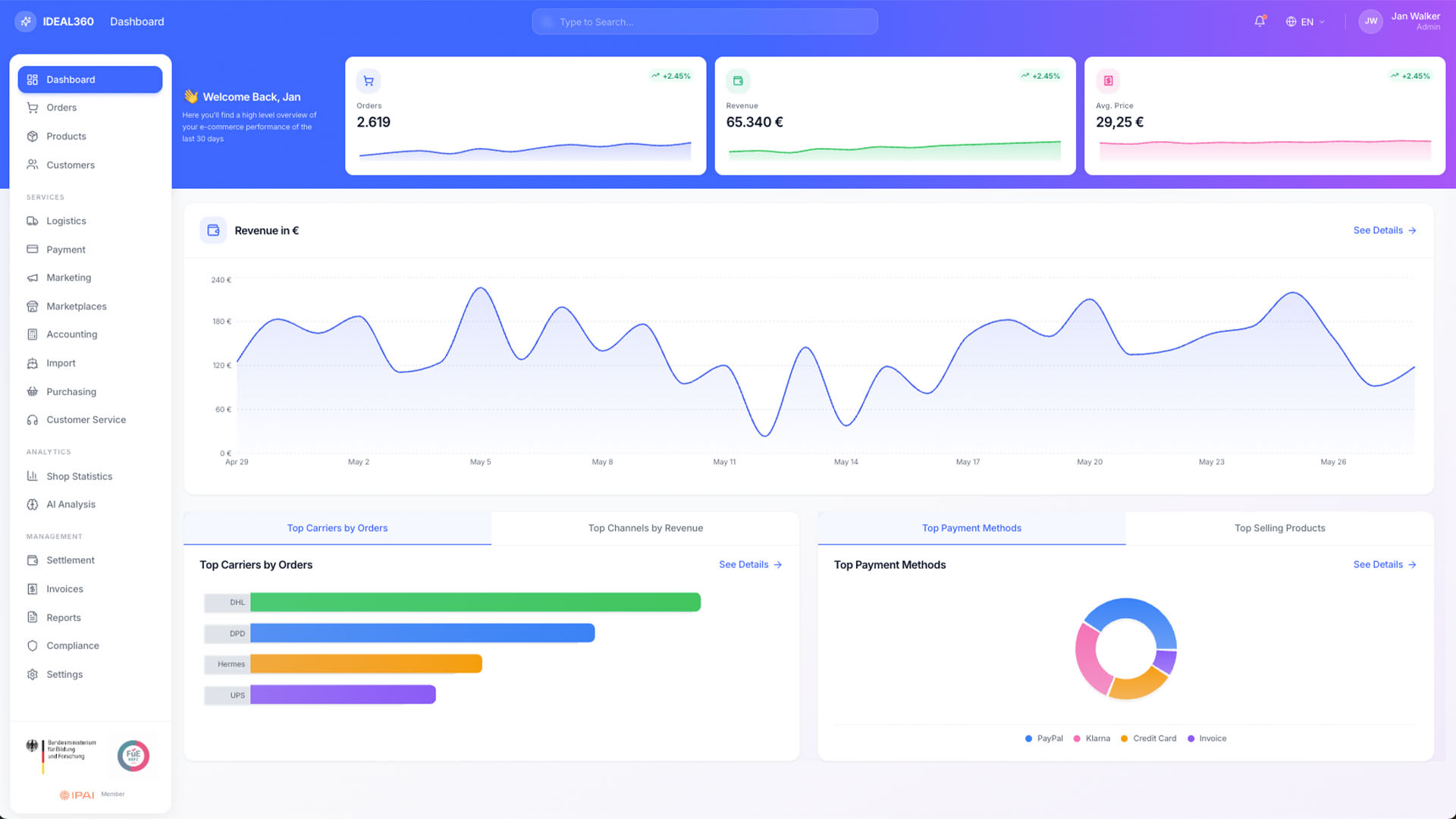
IDEAL360 dashboard with key figures for orders, revenue and average price, a revenue curve and breakdowns by carrier and payment method.

Dashboard

Your business at a glance

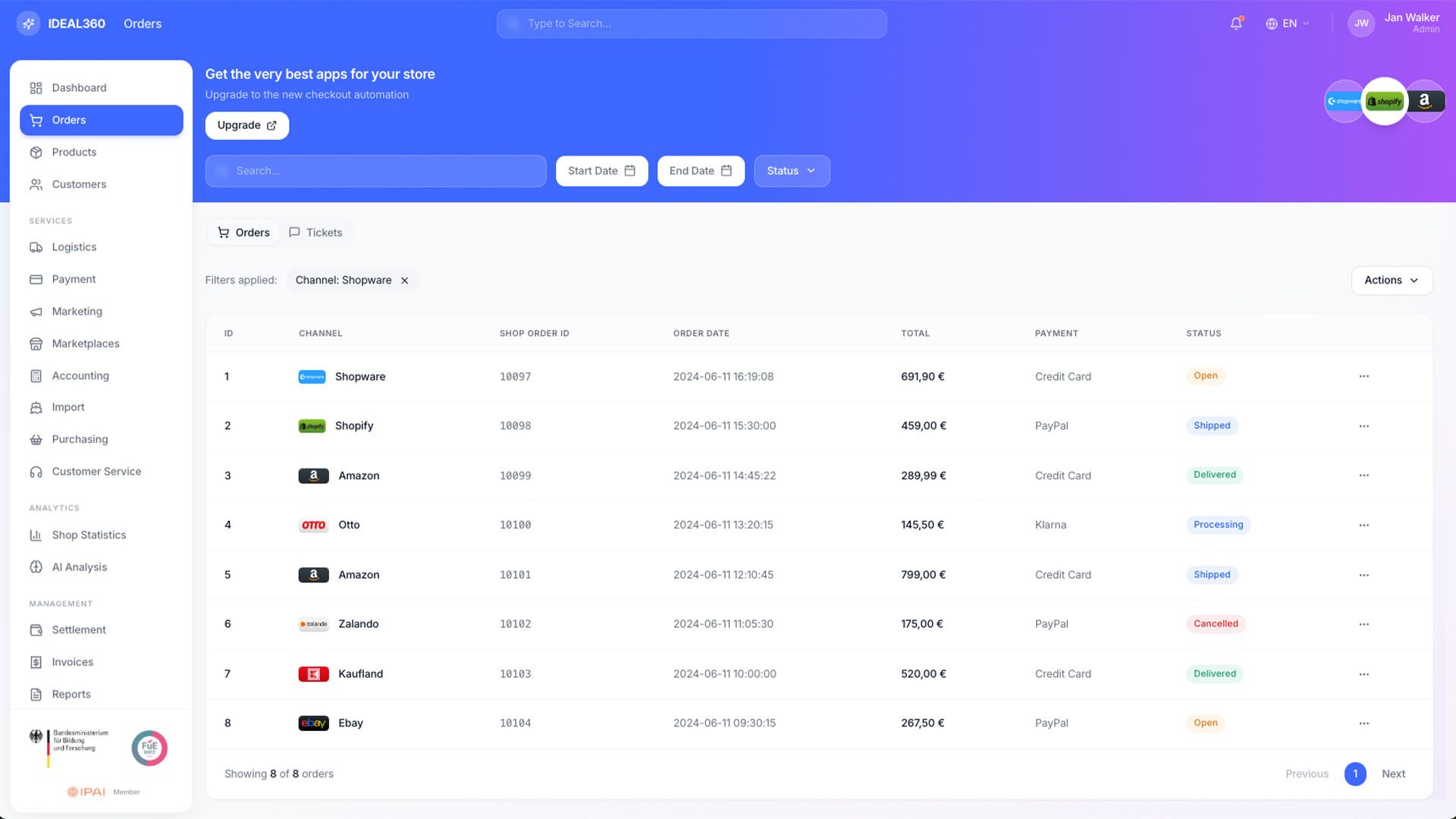
Order list in IDEAL360 with channel, order number, date, amount, payment method and status per row, filtered by one channel.

Orders

All channels, one list

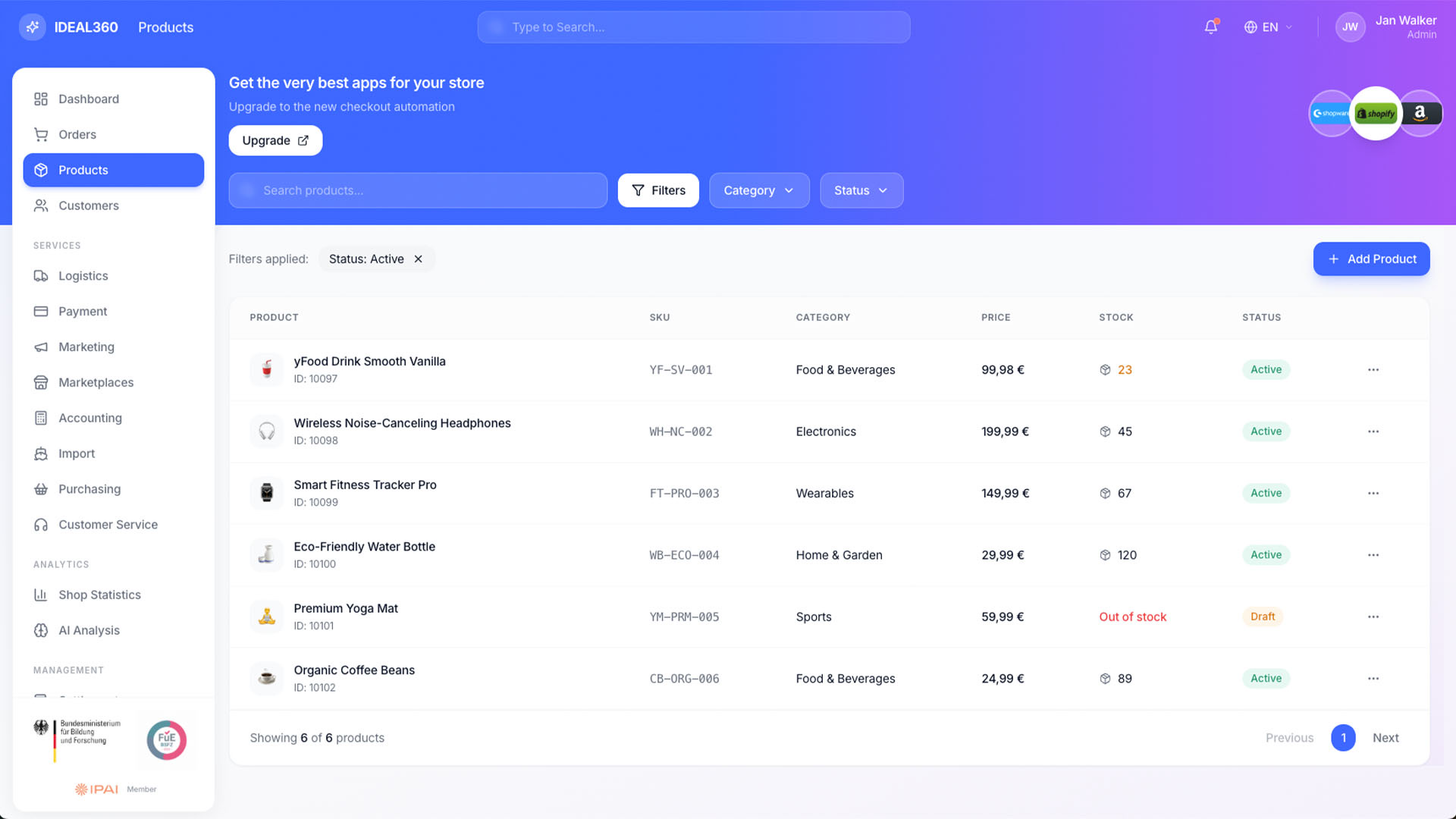
Product list in IDEAL360 with item image, SKU, category, price, stock and status, filtered to active items.

Products & PIM

Your central product catalog
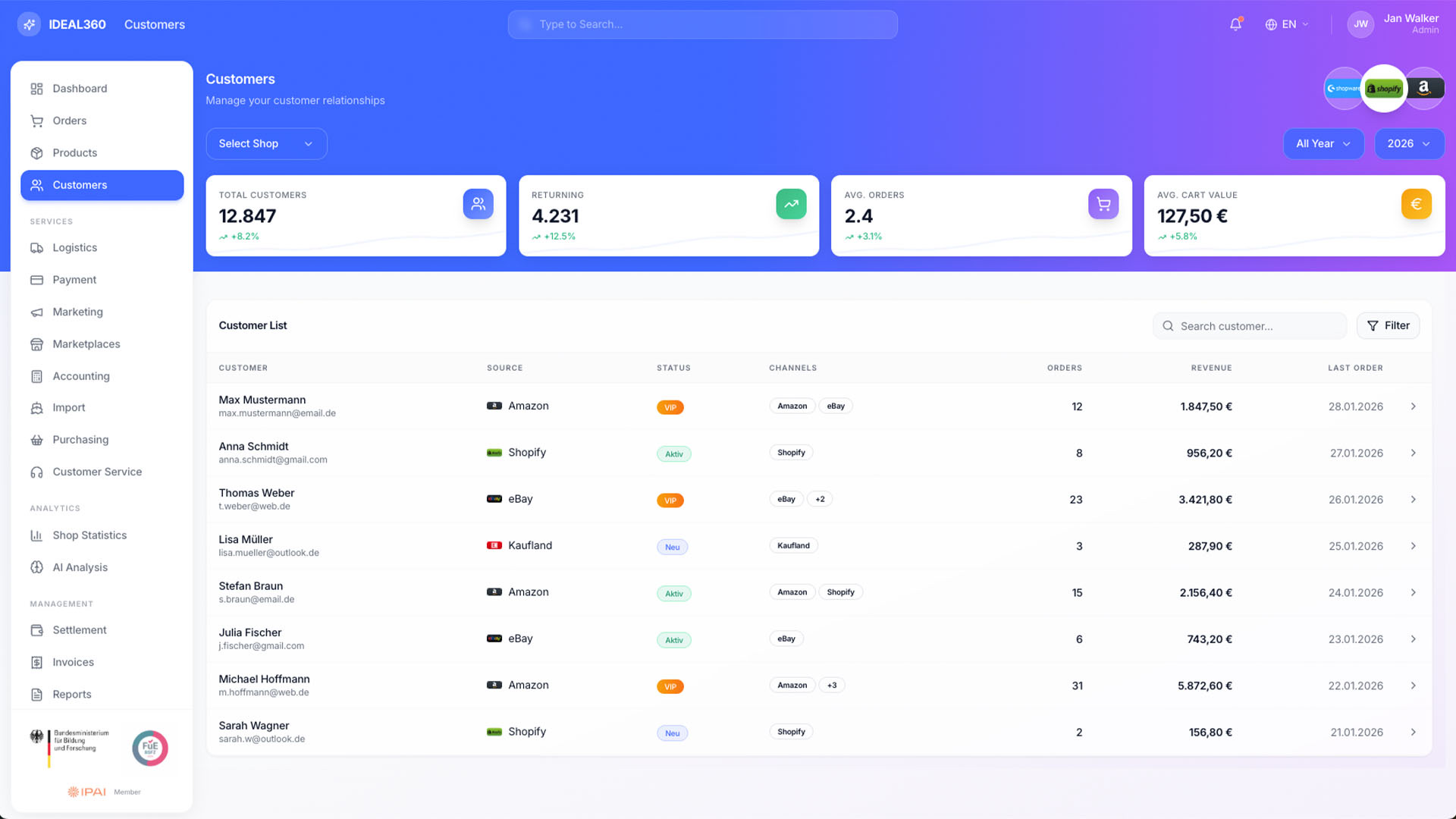
Customer overview in IDEAL360 with key figures at the top and a list showing source channel, status, channels used, orders and revenue per customer.

Customers

CRM across all channels

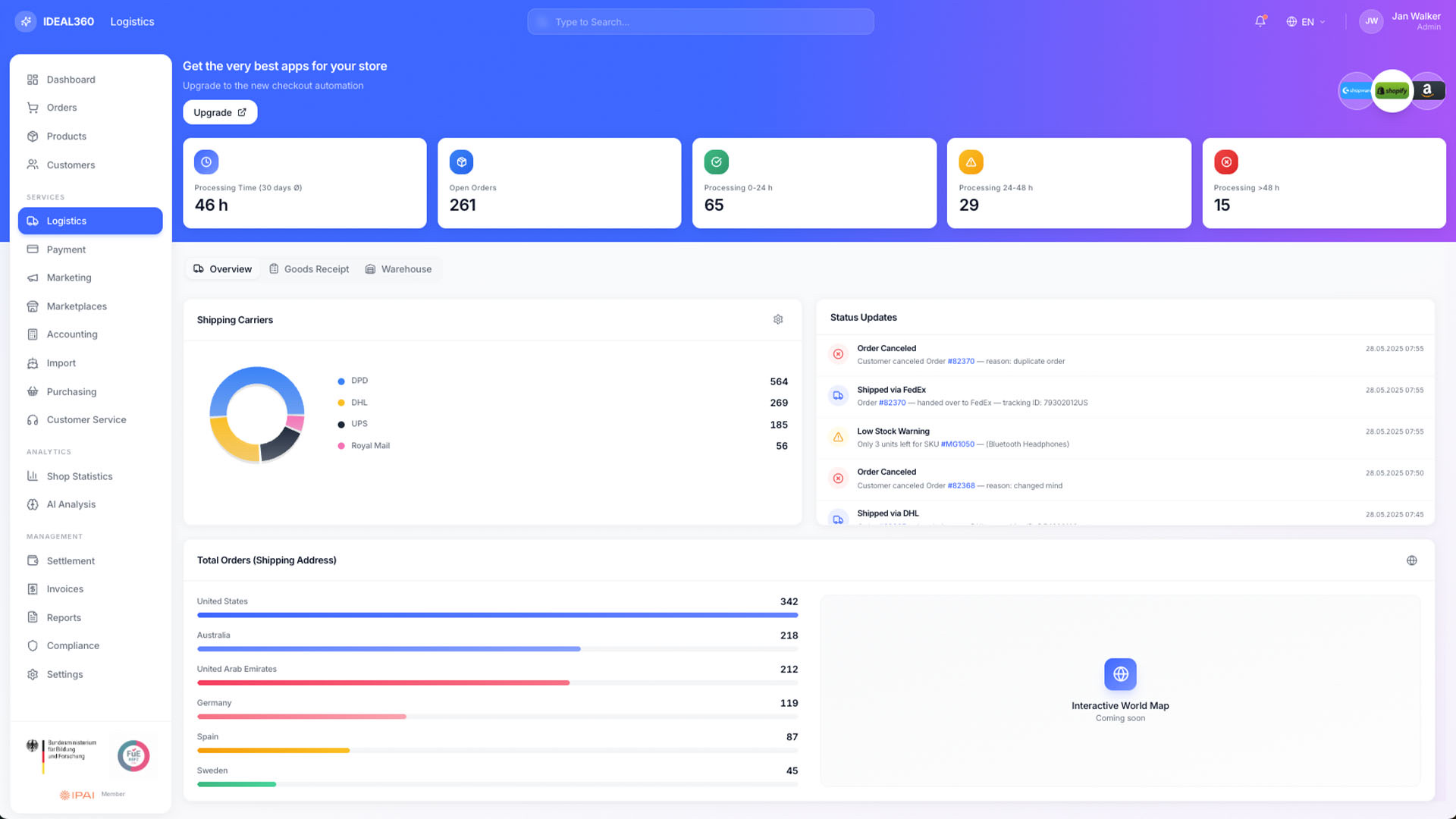
Logistics view in IDEAL360 with processing times, a donut chart of carriers, status updates and orders by destination country.

Logistics

Shipping, returns, and inventory in real time
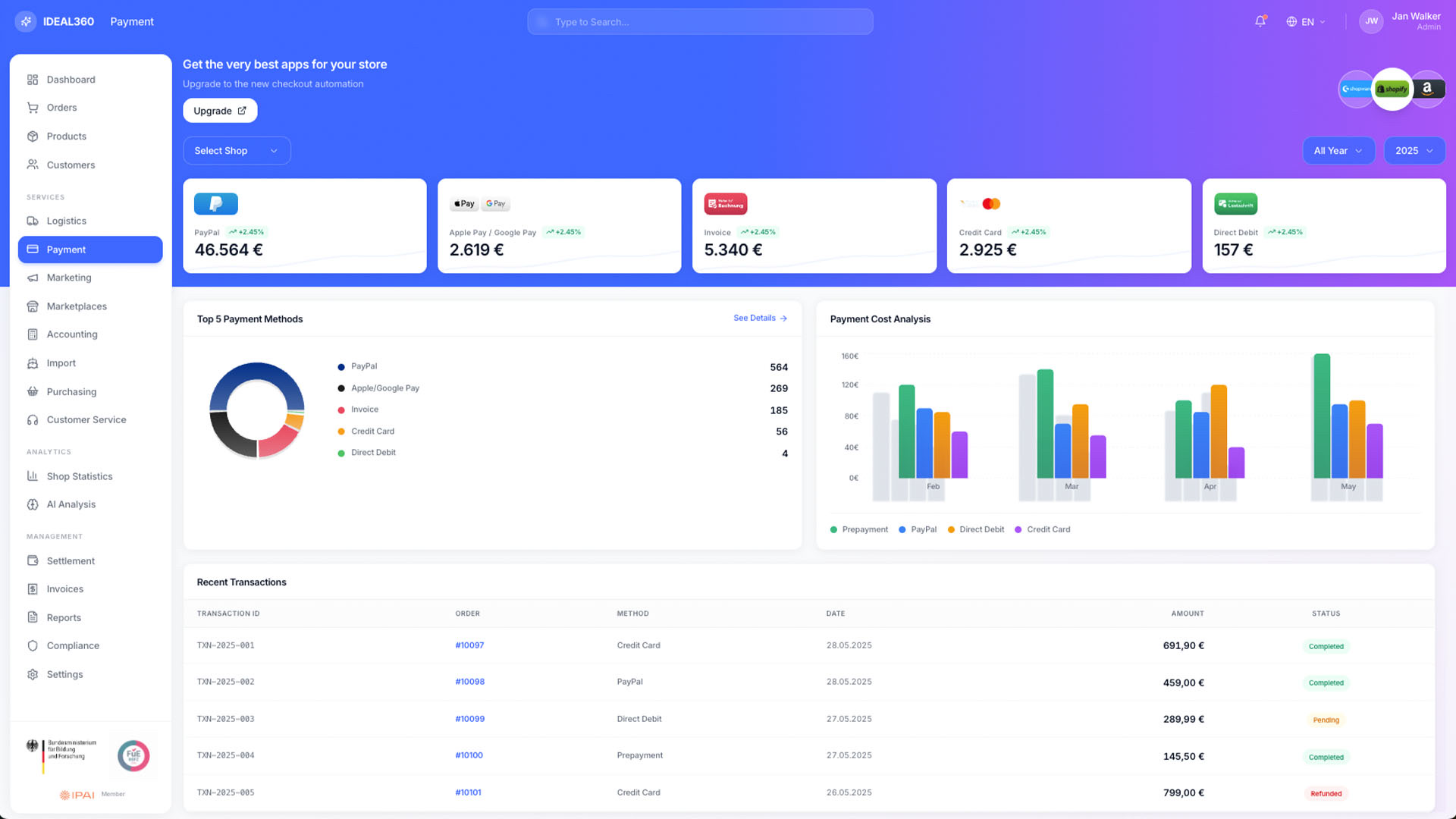
Payment view in IDEAL360 with a tile per payment method, a donut chart of the most used methods, a cost analysis and a transaction list.

Payments

Full transparency across all payment flows
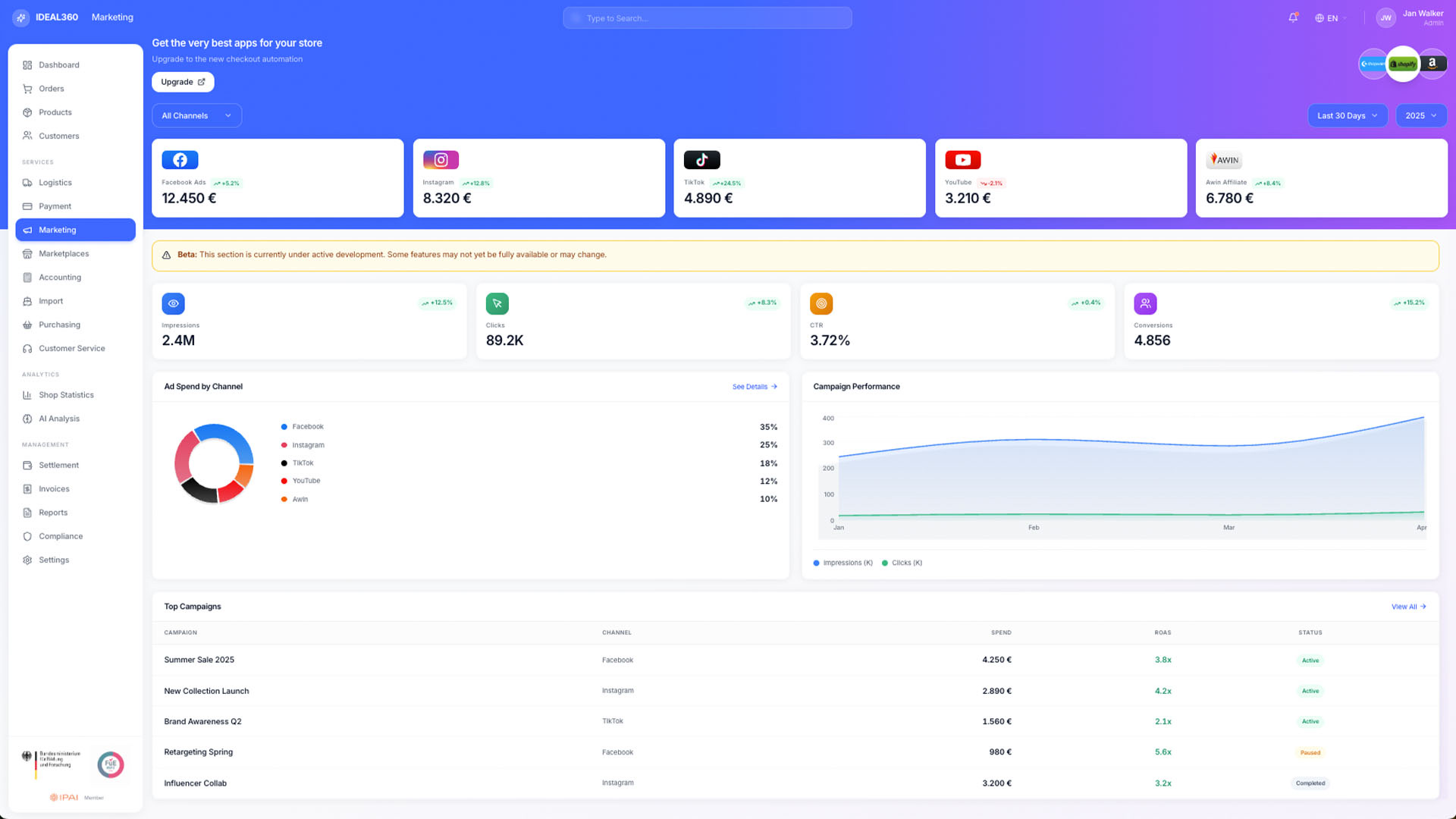
Marketing view in IDEAL360 with a tile per advertising channel, figures for impressions, clicks and conversions and a campaign list.

Marketing

Performance across all channels (Marketing Suite)
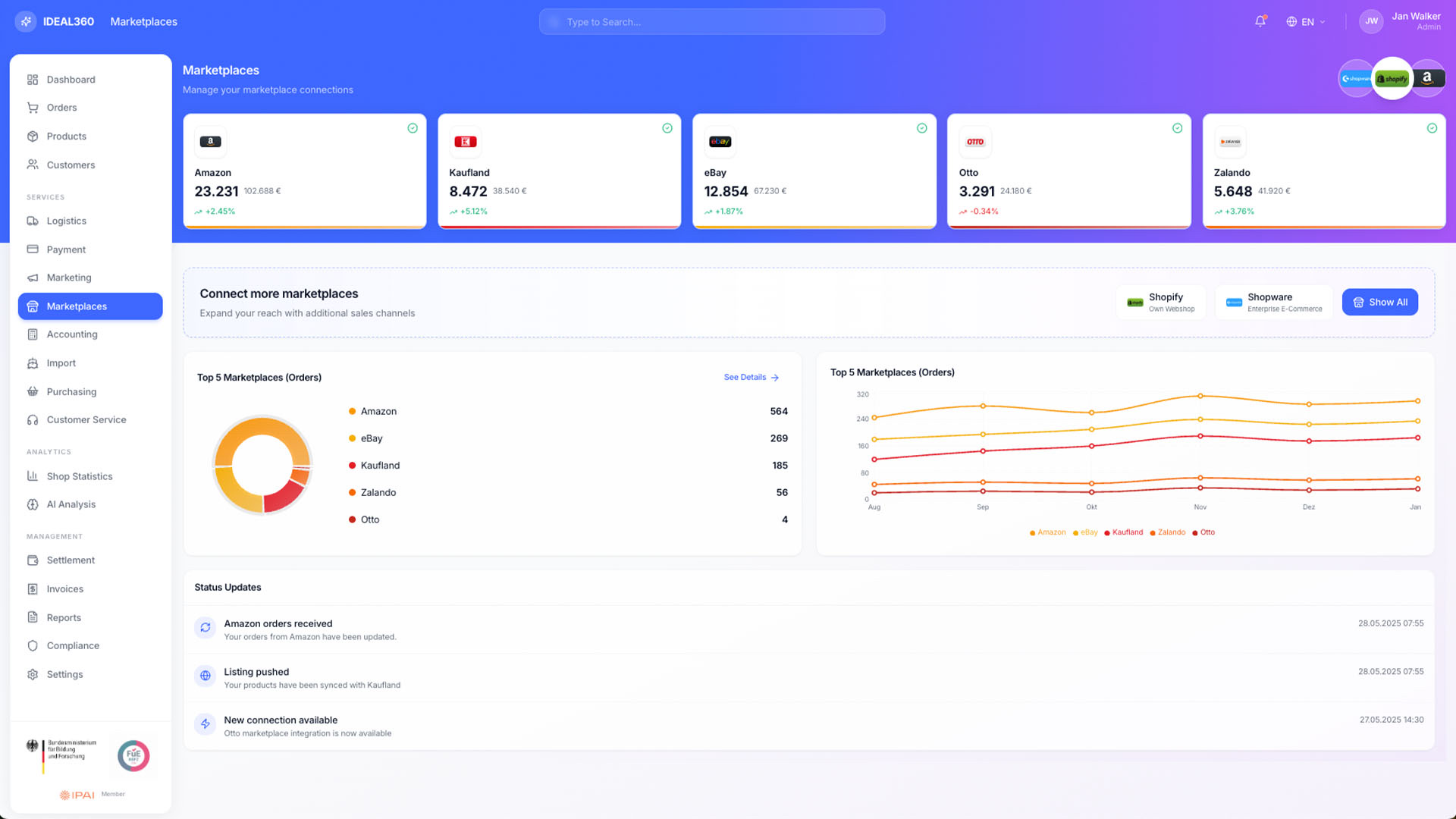
Marketplace view in IDEAL360 with connected platforms such as Amazon, Kaufland, eBay, Otto and Zalando, a donut chart of order shares and status updates.

Marketplaces

All platforms in one cockpit
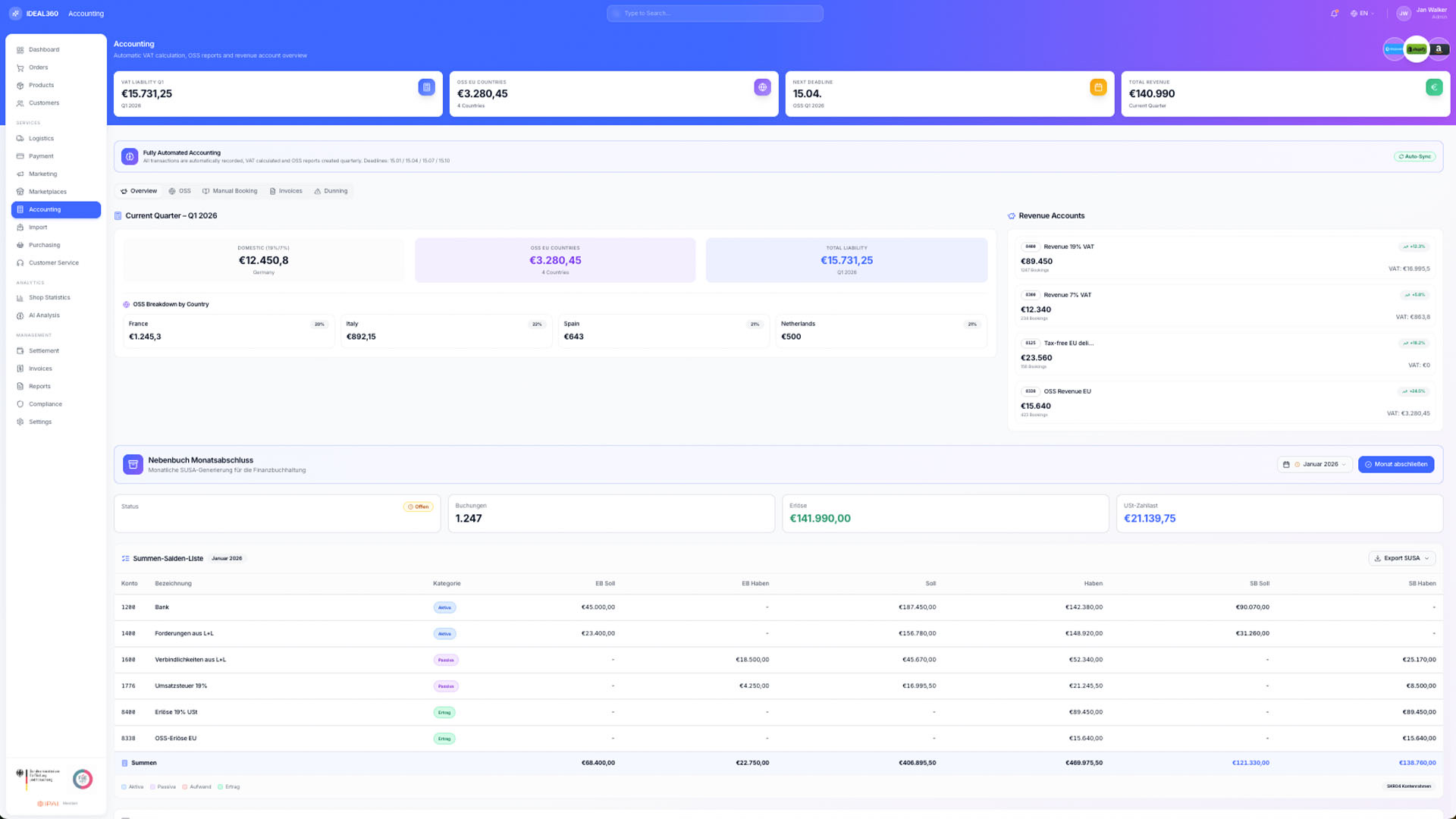
Accounting view in IDEAL360 with VAT by country, an OSS breakdown, revenue accounts and a trial balance with an export button.

Accounting

VAT, OSS, revenue accounts, SUSA export
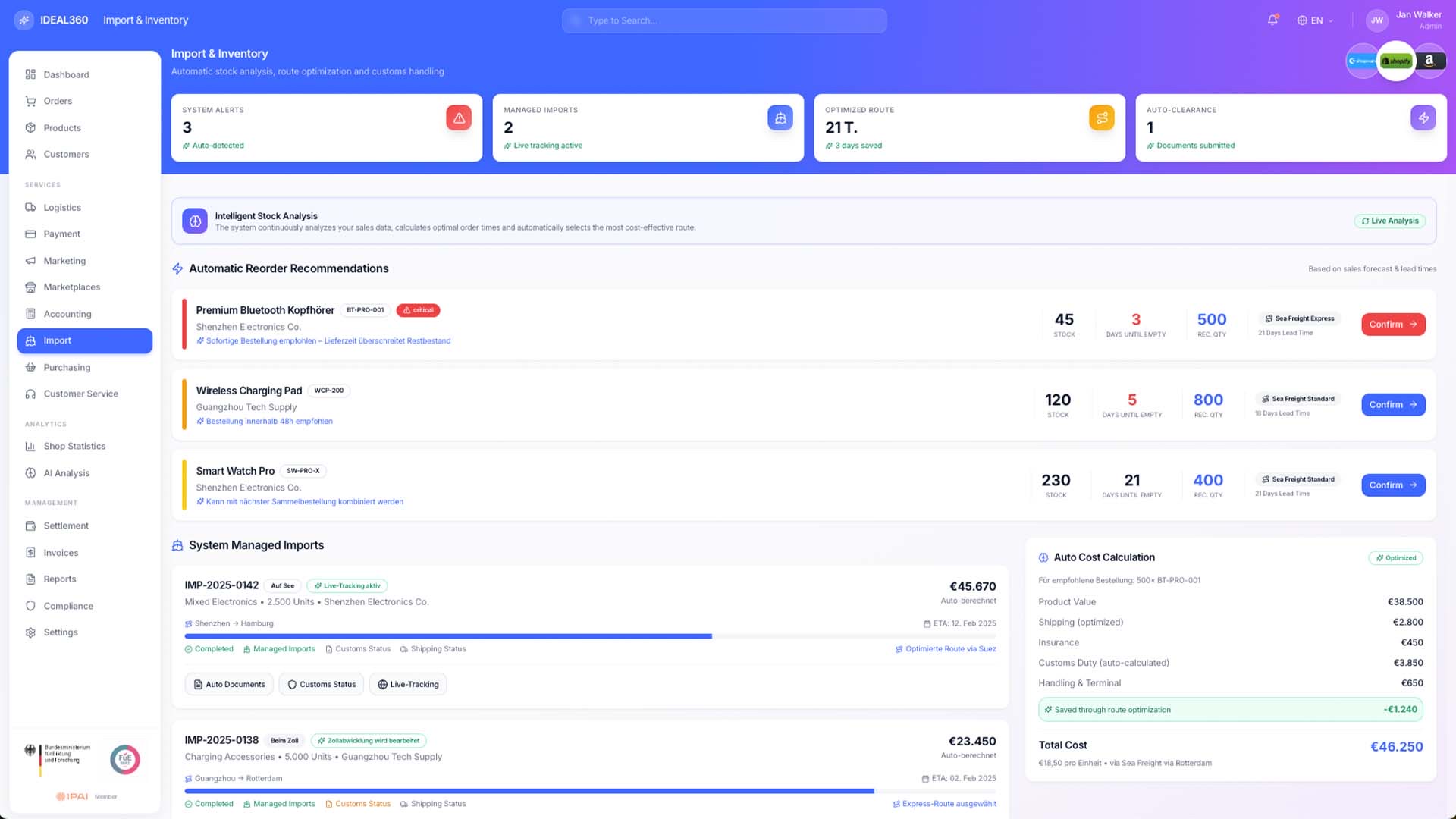
Import and inventory view in IDEAL360 with reorder suggestions per item, running imports including route and customs status and a cost calculation per shipment.

Import & Supply Chain

From container to shelf
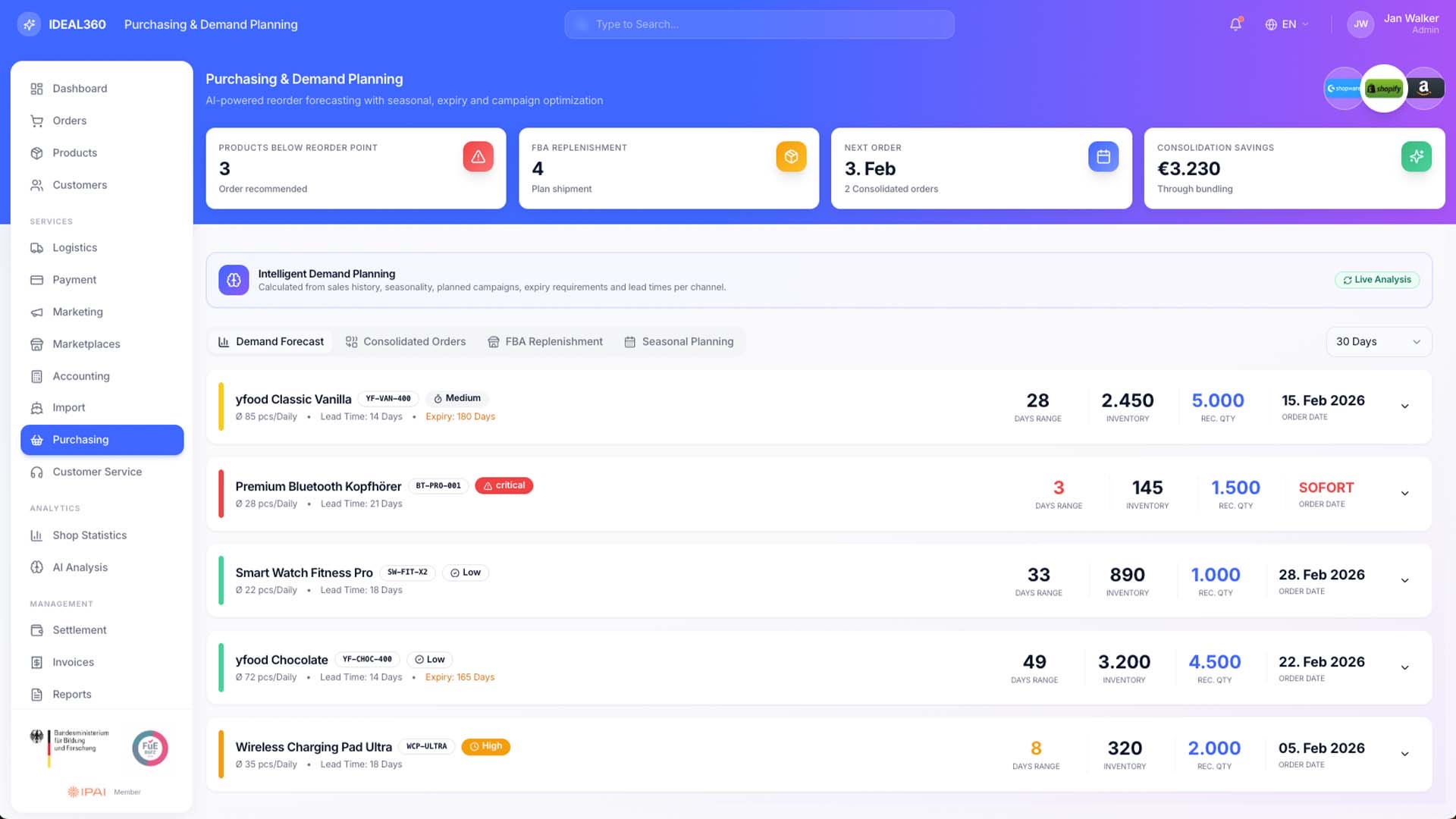
Purchasing and demand planning in IDEAL360 with items below reorder point, lead times, recommended quantities and order dates.

Purchasing & Demand Planning

AI powered forecasting
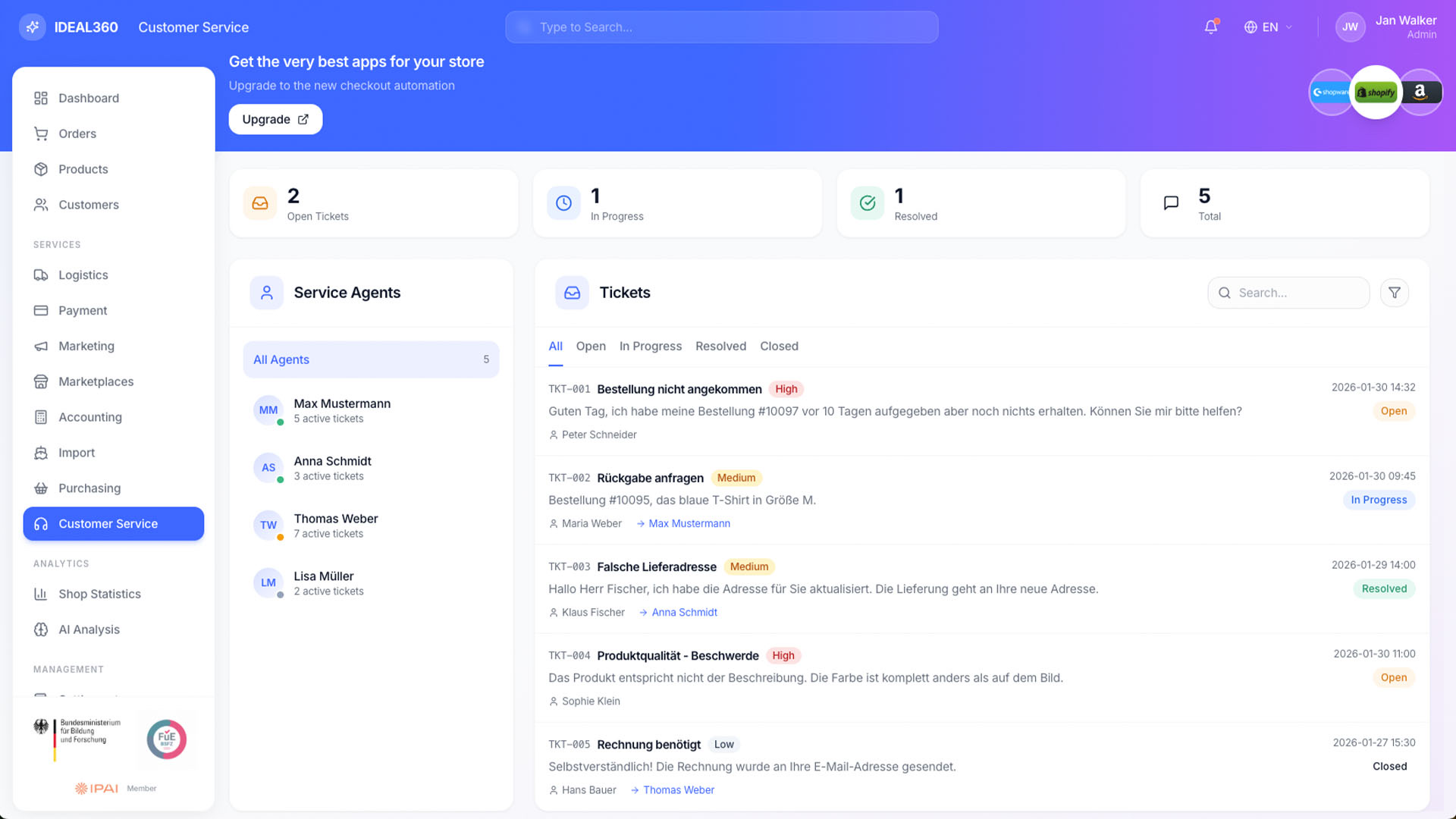
Customer service view in IDEAL360 with ticket counters, a list of service agents and tickets by priority, subject and status.

Customer Service

Tickets across all channels
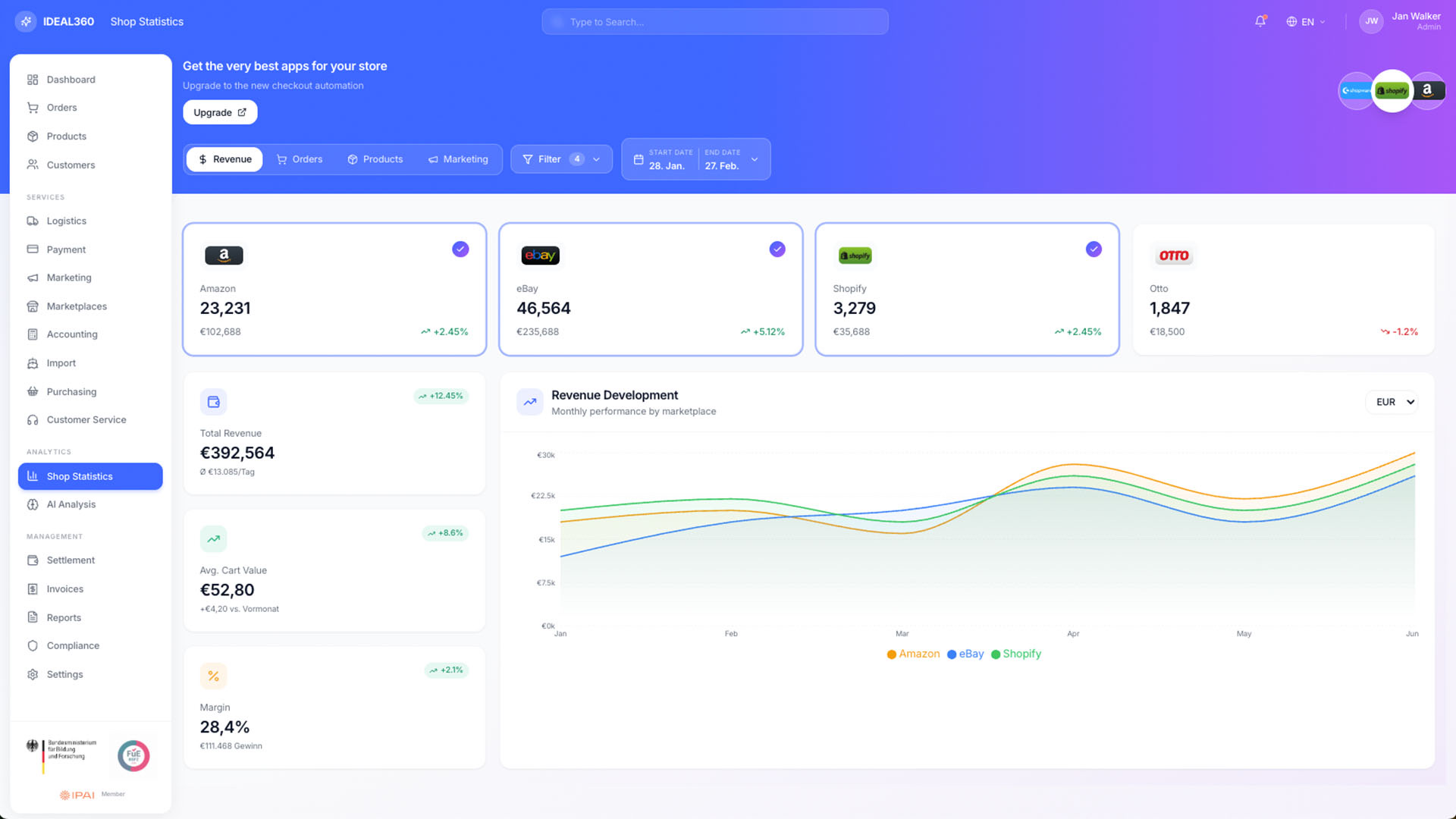
Shop statistics in IDEAL360 with a tile per marketplace, total revenue, average basket, margin and a revenue curve per channel.

Shop Statistics

Revenue Intelligence

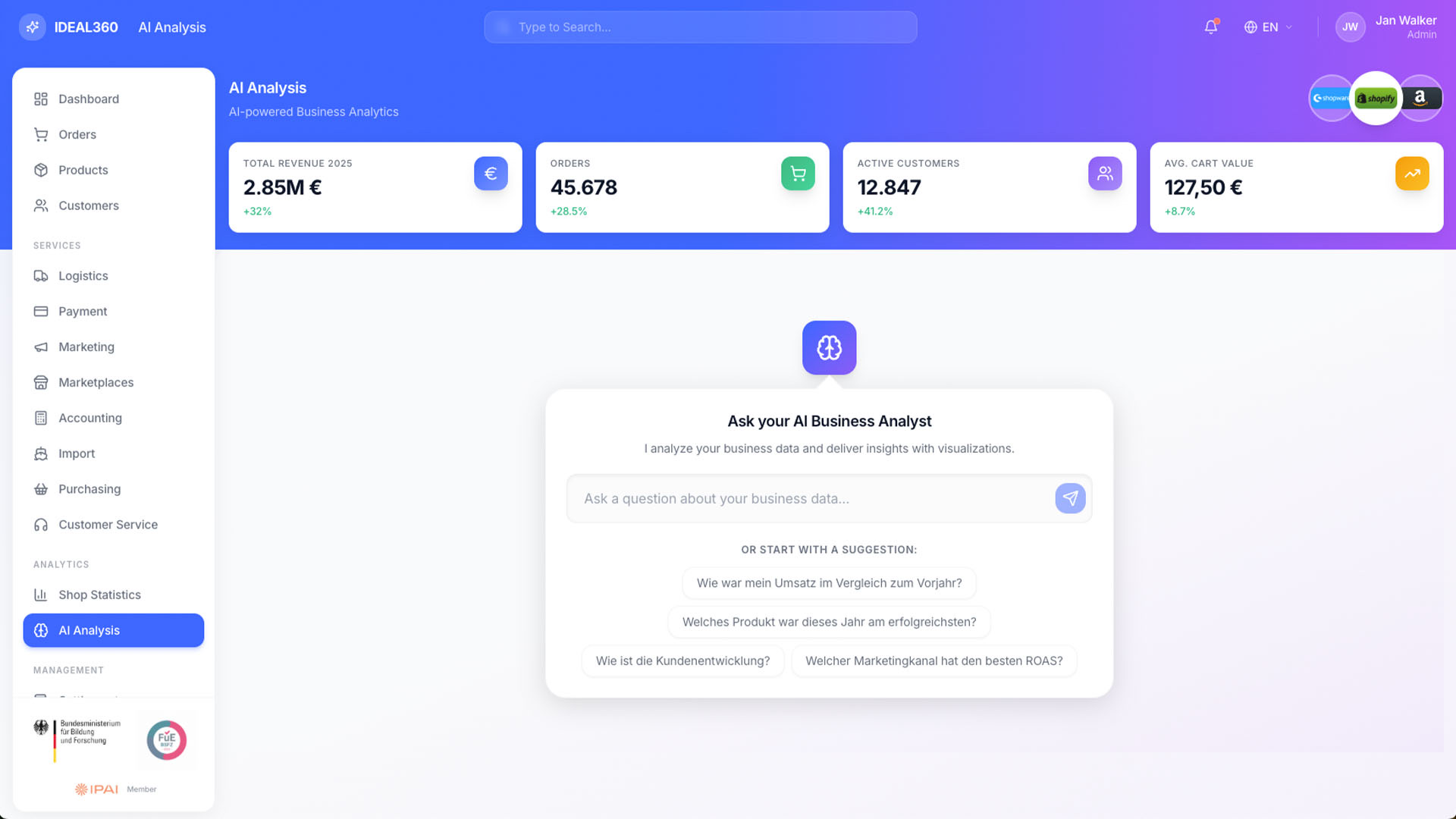
AI analysis in IDEAL360 with key figures at the top and an input field for asking questions about your own business data, with suggested questions below.

AI Analysis

Ask your AI business analyst
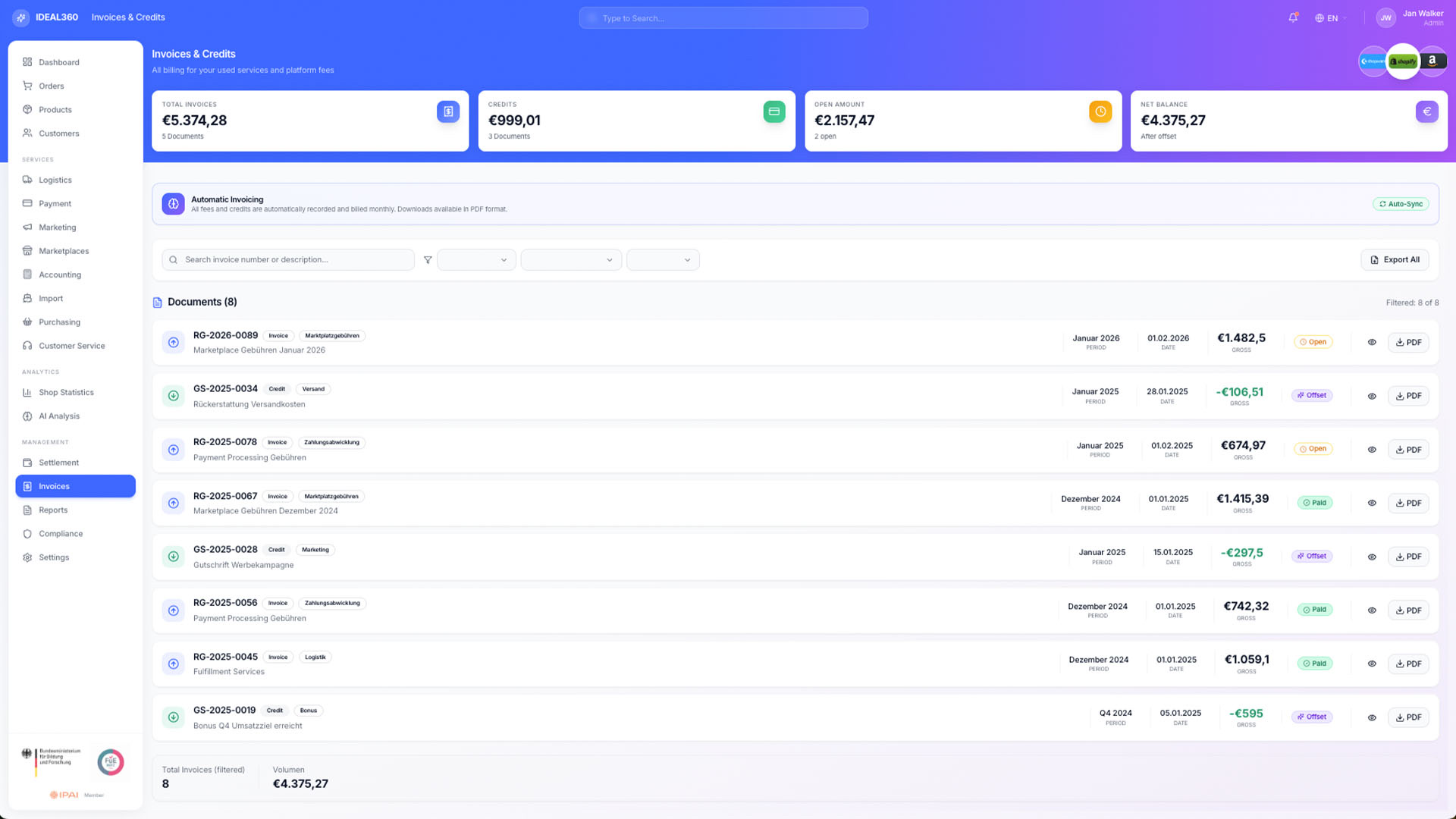
Settlement view in IDEAL360 listing invoices and credit notes with document number, type, period, amount, status and a PDF download per row.

Settlement

MoR transparency down to the last cent
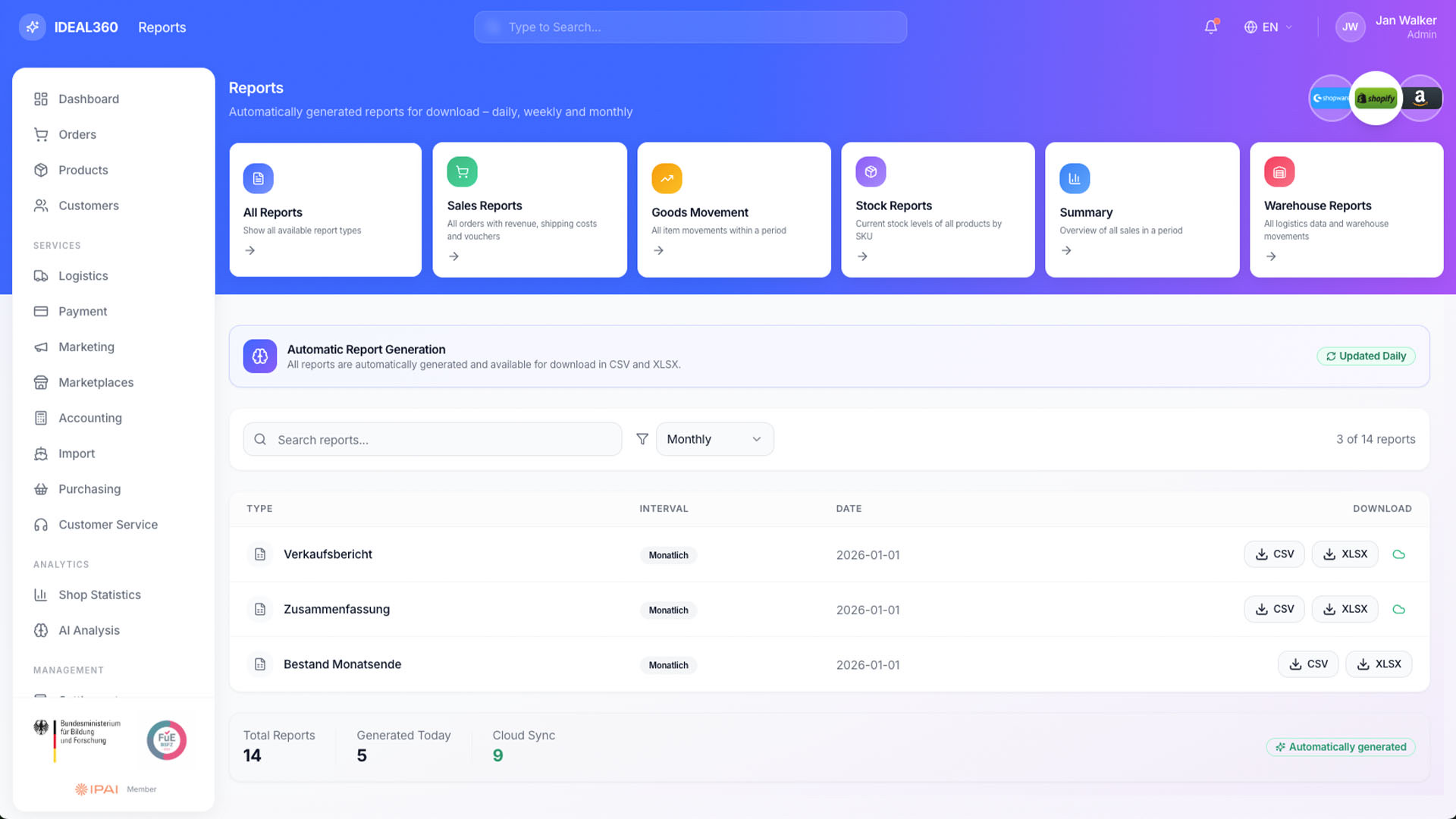
Reports view in IDEAL360 with tiles for sales, goods movement, stock and warehouse reports and a list of recently generated reports as CSV and XLSX downloads.

Reports

Automated, daily, downloadable

A live demo takes 45 minutes and runs on your data, not on sample figures. Arrange one via the contact form.

Request a quote

Areas